
- Online only
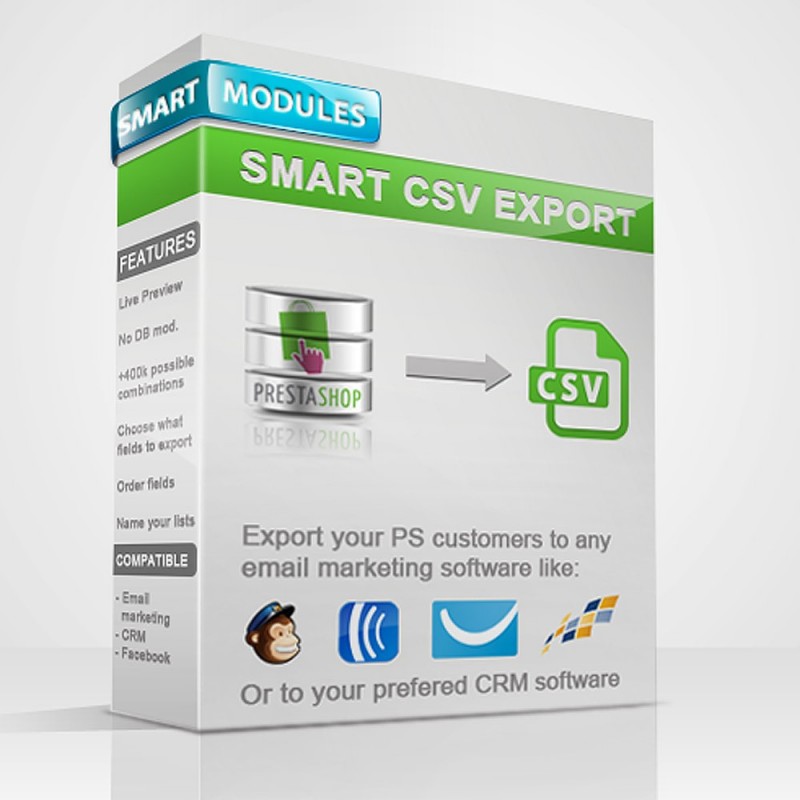





Export your customers to CSV for mailing lists, to invite them to Facebook, or to use in a CRM
02/2013
0.5 Release
04/2013
0.6 Bug fixes
0.6 New feature: Filter by total amount spent
0.6 New feature: Filter by age
08/2013
0.7 New feature: Newsletter subscribers
0.7 Bug fixes
02/2014
1.0 Bug fixes
1.0 New feature: More fields available for export, now selectable
1.0 New feature: Added the option to order the fields to export
1.0 New feature: Lock non-exportable fields for Newsletter users
1.0 New feature: Choose the name of the exported file
Smart CSV Export module, easy to use and intuitive. This module is designed for online shops that want to increase their sales. With this module you can create custom customer lists, perfect for building well-targeted Email Marketing campaigns with a high ROI.
Online businesses are global. Competition is fierce and you must always stay on top to make your business profitable. Using Marketing is a great option to reach people interested in your products. But what is targeted marketing?
Targeted marketing is a type of marketing where the whole market is divided into segments, hence the name. Those segments are divided again in several ways to reach a very precise audience selection, on which to develop a specific marketing action.
Once the segment to focus the marketing campaigns on has been found, you need to focus on it and make the most of it. This way you can achieve a much higher ROI
(Return on Investment) than with regular campaigns, as well as sparking the recipient's interest and building customer loyalty by always showing them content they are interested in. Targeted marketing is therefore a very important tool for a business to move forward at a good pace.
And that is where the Smart CSV Export module stands out, offering the possibility to create targeted marketing lists in minutes, compatible with the main emailing software. Like MailChimp, Aweber, GetResponse, Constant Contact, Vertical Response, iContact, ..., create custom audiences for Facebook campaigns
( https://developers.facebook.com/docs/reference/ads-api/custom-audience-targeting/#overview ), export your customers to your CRM
( Customer Relationship Management ) and many other options thanks to the customizable CSV export system
(Comma Separated Values).
1 - Upload the file to the modules directory.
2 - Unzip the smartcsvexport.zip file
3 - Activate the module through the Back-Office -> Modules
4 - In the customers tab you will find a new tab called "CSV Lists".
5 - Play with the different options and select the ones you want to create the list.
6 - Click to select the fields to export, select them, choose their order and give a name to the file you are going to generate.
7 - Click "Generate CSV list".
1 - Uninstall the module from the Back Office
2 - Once uninstalled, delete the files from the server if you wish.
This module comes with different export options, from a complete list of all customers and newsletter subscribers to a very targeted list.
For example, with Smart CSV Export you can create the following lists:
- Customers who bought in category X and spent more than X.
- Women registered in the shop who have not yet made any purchase.
- Men who bought X, are older than X, have spent more than X and belong to customer group X
- Full list of registered customers and Newsletter subscribers
- Export a detailed list of customers to use in your CRM with: First Name, Last Name, Phone, Mobile Phone, City, Birthday, Gender, ...
- Create a Custom Audience for Facebook ads, targeting people who are already on your page and are therefore interested in your products. For this you only need to export the email field
(see https://developers.facebook.com/docs/reference/ads-api/custom-audience-targeting/#overview).
- The possibilities are endless.
- Live preview of the number of users that will be selected before downloading the list.
- Clean module: It does not modify the PrestaShop database.
- Many options to customize the lists: Registered users, Newsletter subscribers, customer groups, main categories, age, has purchased, money spent, etc...
- Easy to use, with a learning curve of less than 5 minutes. Very intuitive and powerful.
- Ability to select the fields you want to export and their order.
- Give a name to your lists before downloading them.
- Create an unlimited number of lists.
- Compatible with any CRM thanks to its versatility.
- Compatible with the main email marketing software such as MailChimp, Aweber, GetResponse, Constant Contact, Vertical Response or iContact ...
Smart Modules includes free technical support for all its products.
If you would like a customization of the module, ask us for a no-obligation quote.
Perfecto para mi cliente, permite sacar listas de clientes agrupadas por conceptos. Servicio técnico muy atento, Pol, el responsable, es de gran ayuda.
Export your customers to CSV for mailing lists, to invite them to Facebook, or to use in a CRM
Excelente producto y soporte. Tuve un inconveniente el cual fue resuelto en tiempo y de forma eficiente. Lo recomiendo ampliamente.